Quick answer
The $0 stack, at a glance
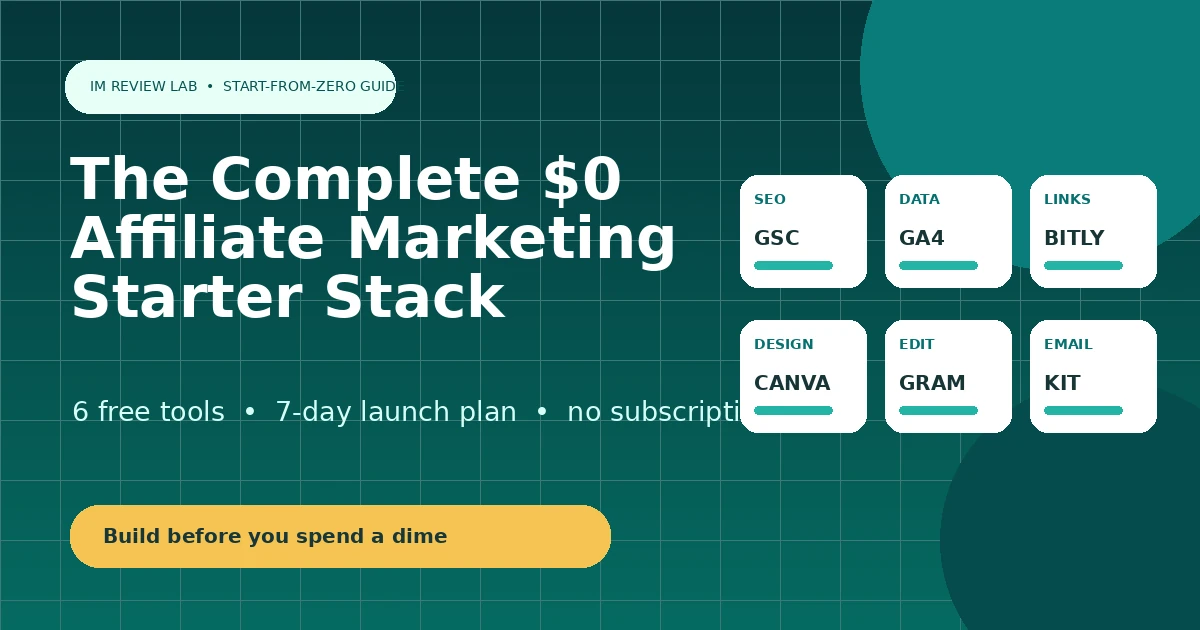
You can run a real affiliate site on free software alone: Google Search Console for indexing and search performance, Google Analytics for traffic, Canva for design, Grammarly for editing, Kit for email, and Bitly for link tracking. The two costs you genuinely can't avoid are a domain (roughly $10-15/year) and hosting. Everything else here is free indefinitely, not a time-limited trial — though several of these free tiers have shrunk in the last two years, and we call that out where it matters.
Side-by-side comparison
The $0 starter stack compared
Free-plan limits change often, especially for email and link tools. The table records public information checked on July 31, 2026. Always confirm current limits before you build a workflow around them.
| Tool | Category | Free forever? | Free-tier limit | Entry paid price |
|---|---|---|---|---|
| Google Search Console | SEO | Yes | No limits — fully free | No paid tier exists |
| Google Analytics (GA4) | Analytics | Yes | No practical limit for most small sites | No paid consumer tier (GA4 360 is enterprise-only) |
| Canva | Design | Yes | 5GB storage; limited premium templates/photos; capped monthly AI uses | Pro from ~$12-15/month billed annually |
| Grammarly | Writing | Yes | Basic grammar/spelling/tone; 100 AI prompts/month | Pro at $12/month billed annually |
| Kit | Yes | Up to 10,000 subscribers on the Newsletter plan, with basic automation included | Creator from ~$33/month billed annually at 1,000 subscribers (reported figures vary $15-39) | |
| Bitly | Link tracking | Yes | Roughly 5-10 new links/month, basic analytics only | Core from ~$8-10/month billed annually |
Why these six
The six jobs a $0 stack has to cover
Search visibility
Search Console tells you whether Google can even find and index your pages.
Behavior measurement
Analytics shows what visitors do once they land — which pages, how long, and where they leave.
Visual content
Featured images, social graphics and comparison charts, without design software or a designer.
Editing
Clean, error-free copy is a trust signal, and readers notice typos in a review faster than anywhere else.
Audience ownership
An email list is the one traffic source an algorithm change can't take away from you.
Link management
Shortened, trackable links so you can see which affiliate offers actually get clicked.
Notice what's missing: paid keyword research, paid tracking software, and paid automation. Those earn their place later, once you have enough traffic or list size that a free tool is genuinely the bottleneck — not before.
How this list was built
Selection criteria
Each tool had to meet three conditions to make this list: a free tier that works indefinitely rather than a time-limited trial, a free tier generous enough to run a real (if small) affiliate workflow rather than a crippled demo, and coverage of one of the six core jobs listed above. Tools with only a 7-day or 14-day free trial were excluded, no matter how good the product — this guide is specifically about tools you can run at $0 with no expiration date.
What was not used as a ranking factor
Affiliate commission availability was not a factor — Search Console and Google Analytics have no affiliate program at all and are still listed first, because they're the two most necessary tools on the list. Brand recognition also wasn't enough on its own; each tool had to solve a specific problem in the publishing, measurement or list-building workflow.
#1 · SEO
1. Google Search Console — Best free search performance tool
Search Console is Google's own reporting tool for how your site behaves in search. It shows which pages are indexed, which are excluded and why, which queries actually bring people to your site, and whether Google can crawl your pages at all. For a new affiliate site, that last point matters most: a page with great content that Google can't find performs identically to a page that doesn't exist.
Set it up before you publish your first article, not after you notice traffic isn't showing up. Submitting your sitemap here is also how you request indexing for new or updated pages, which is exactly the workflow used elsewhere on this site for getting new guides discovered faster.
Pros
- Completely free, no upsell, no paid tier
- Direct data from Google, not a third-party estimate
- Shows indexing problems before they cost you traffic
Cons
- Query data is capped and slightly delayed
- No competitor or backlink data — that's a different tool's job
Best for: Every site, from day one, no exceptions.
Skip it when: Never — there's no reason not to have this installed.
Alternative: None. This isn't optional the way other tools on this list are.
#2 · Analytics
2. Google Analytics (GA4) — Best free traffic analytics
GA4 answers the question Search Console can't: what happens after someone lands on your page. Which articles get read to the end, which get an immediate bounce, which pages lead to an affiliate-link click before someone leaves. That behavioral picture is what tells you which content is actually working, as opposed to which content merely ranks.
The honest downside is the interface itself — GA4's event-based model is a real change from the old Universal Analytics reports, and it takes deliberate setup (custom events for affiliate clicks, for example) to get useful data out of it rather than just pageview counts.
Pros
- No cost ceiling for typical affiliate-site traffic
- Deep integration with Search Console and Google Ads
- Custom events can track affiliate-link clicks specifically
Cons
- Steeper learning curve than most free tools
- Requires manual event setup to track what actually matters
Best for: Anyone who wants to know which pages actually drive affiliate clicks, not just visits.
Skip it when: You'd rather start with a simpler, privacy-focused tool — Microsoft Clarity is a lighter-weight free alternative for session recordings and heatmaps.
Alternative: Microsoft Clarity, covered in the paid stack guide, for visual behavior data with less setup.
#3 · Design
3. Canva — Best free design tool for beginners
Canva Free includes over a million templates, several million free photos and graphics, 5GB of storage, and a capped monthly allowance of AI image generation. For featured images, social share graphics, and the kind of comparison charts used throughout this site, that's genuinely enough — nothing about the free tier is a crippled demo.
The upgrade case is specific rather than volume-based: Canva's Background Remover and Magic Resize tools sit behind Pro, along with the full premium photo/template library and a larger monthly AI allowance. If you're not reaching for those specific features weekly, there's no urgency to pay.
Pros
- Free tier is genuinely usable, not a trial
- Huge template library even on Free
- No affiliate-marketing-specific limitation
Cons
- 5GB storage fills up faster than expected with video/graphics work
- Background Remover and Magic Resize are Pro-only
- Reported Pro pricing varies by source — verify before budgeting
Best for: Anyone making featured images, social graphics or simple charts without design software.
Skip it when: You're reaching for Background Remover or premium templates every week — that's the actual upgrade signal, not a fixed usage cap.
Alternative: None free at this quality level; most competitors are either less generous on the free tier or paid-only.
#4 · Writing
4. Grammarly — Best free editing assistant
The free tier's core grammar, spelling and tone checking works everywhere the browser extension runs — in your CMS, email, and docs — and includes 100 AI prompts per month for basic rewrites. For a solo affiliate publisher writing a few articles a week, that's a real editing safety net, not a stripped-down demo.
Pro raises the AI-prompt allowance to roughly 2,000/month and adds plagiarism detection, deeper style guides and brand-tone controls — features that matter more once you're publishing daily or managing a small team of writers than for a single beginner site.
Pros
- Works across your whole browser, not just one app
- Free tier includes AI rewrite prompts, not just spellcheck
- Catches tone and clarity issues, not just typos
Cons
- 100 free AI prompts/month runs out fast if you lean on it heavily
- Monthly billing on Pro costs 2.5x the annual rate
Best for: Solo publishers who want a safety net on tone and clarity, not just spelling.
Skip it when: You're already paying for a different AI writing assistant with built-in editing.
Alternative: ChatGPT, covered in the paid stack guide, for broader research and drafting rather than pure editing.
#5 · Email
5. Kit — Best free starting point for email
Kit's free tier is capped by subscriber count, not by automation — up to 10,000 subscribers on the Newsletter Plan, with basic automation and a simple visual editor included rather than gated behind a paid tier. For a new affiliate site building its first list, that combination of higher subscriber ceiling and included automation makes the free plan more genuinely usable than Mailchimp's.
The free plan does carry recommendation-slot terms — Kit occasionally surfaces other creators' newsletters to your subscribers as part of the free tier — so read the current terms before you commit your list to it.
Pros
- No compliance conflict with an affiliate-marketing business model
- Free tier includes basic automation, not just broadcast sends
- 10,000-subscriber ceiling is generous for a new list
Cons
- Free-plan recommendation-slot terms apply — read them first
- Less familiar to some beginners than Mailchimp's brand recognition
Best for: Any affiliate-focused site building its first list — this is the recommended default here.
Skip it when: You're running a broader content business, unrelated to affiliate marketing, that's confirmed direct with Mailchimp that its use case is acceptable under Mailchimp's terms.
Alternative: See our full Kit (ConvertKit) review for the complete feature breakdown, including the paid Creator tiers.
#6 · Link tracking
6. Bitly — Best free link shortener to start with
Bitly's free plan has been trimmed repeatedly over the past few years, and in 2026 it covers only around 5-10 new short links per month with basic click counts and no custom domain. That's enough to test the concept of link tracking, but a site publishing regularly will hit that ceiling within the first month.
Rather than paying Bitly's Core tier to unlock more links, most WordPress-based affiliate sites are better served switching to a plugin like Pretty Links or ThirstyAffiliates — both covered in the paid stack guide — which manage unlimited links on your own domain for free, with no monthly link cap at all.
Pros
- Recognizable brand, zero setup friction
- Fine for a handful of social/bio links
- QR codes included even on the free tier
Cons
- Only 5-10 new links/month on the free tier
- No custom domain without a paid plan
- A WordPress plugin alternative is free and uncapped
Best for: Quick, occasional link shortening outside your own site — a bio link, a one-off QR code.
Skip it when: You're managing affiliate links inside your own WordPress site — a free plugin will cost you nothing and has no link cap.
Alternative: Pretty Links or ThirstyAffiliates, both covered in the paid stack guide, for unlimited free link management on your own domain.